>> To start the editor
1.From the Solar Fire Group, double click the Rulerships & Weightings Editor program icon.
or...
2.From the Utilities menu click on Edit Rulers/Weightings.
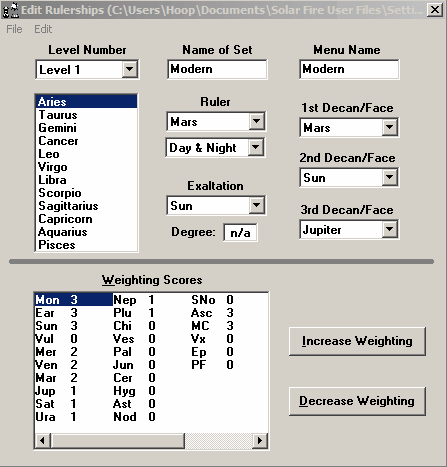
After the utility loads, Solar Fire displays the following screen.

>> To start the editor
1.From the Solar Fire Group, double click the Rulerships & Weightings Editor program icon.
or...
2.From the Utilities menu click on Edit Rulers/Weightings.
After the utility loads, Solar Fire displays the following screen.