It is possible to view and print a simple zodiacal chart wheel for the currently selected chart. This wheel displays the positions of the displayed planets (and optionally stars). The house system used may be altered under the “Options“ menu, if desired.
Select the “View Chart Wheel“ item from the “Chart“ menu.
This will display the Chart Wheel window.
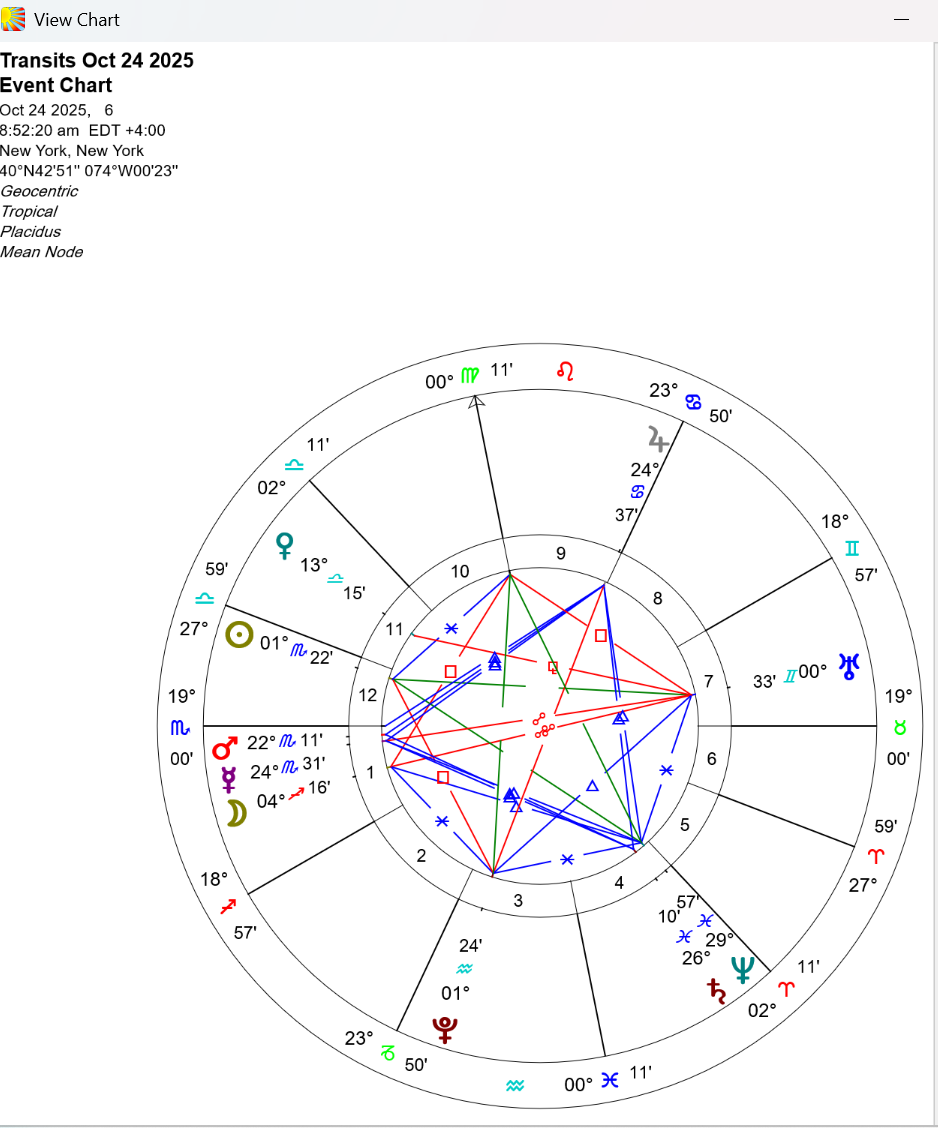
This window may be resized or moved as required. Resizing the window causes the chart wheel to be redrawn to fit the window as closely as possible, while maintaining a circular shape.
Click on the “Print...“ button.
This will display the “Print Current Chart” dialog box, from which you may choose to alter printer settings, or to go ahead and print the chart.
Click on the “Quit” button.
