Solar Maps contains textual interpretations of all the major planet lines that you are likely to see on a map, and these can be accessed quickly and easily with the mouse. Before viewing interpretations, make sure that the mouse mode is set to Interpretations.
Select the “Interpretations“ mode from the “Mouse Mode“ item under the “Options“ menu or select the “Interpretations“ mouse mode button [I] from the button panel.
Interpretations are potentially available for any enclosed symbol either inside or around the outside of the map. For example, if you have chosen to display Planet/Angle Lines on a world map, then there will probably be symbols for each planet’s MC line across the top of the map, for each Planet’s IC line across the bottom of the map. For the Asc/Dsc or Rise/Set lines click the symbol within the map. Ascendant or Rise lines will have the subscript R and Descendant or Set lines will have a subscript S attached to the planet. Local Space lines just have the planet symbol on the line.Clicking any symbol when the[I] button is highlighted will generate a popup interpretation.
To get an interpretation for any line symbol:
Click while the mouse cursor is on the symbol. This will display the interpretations window.
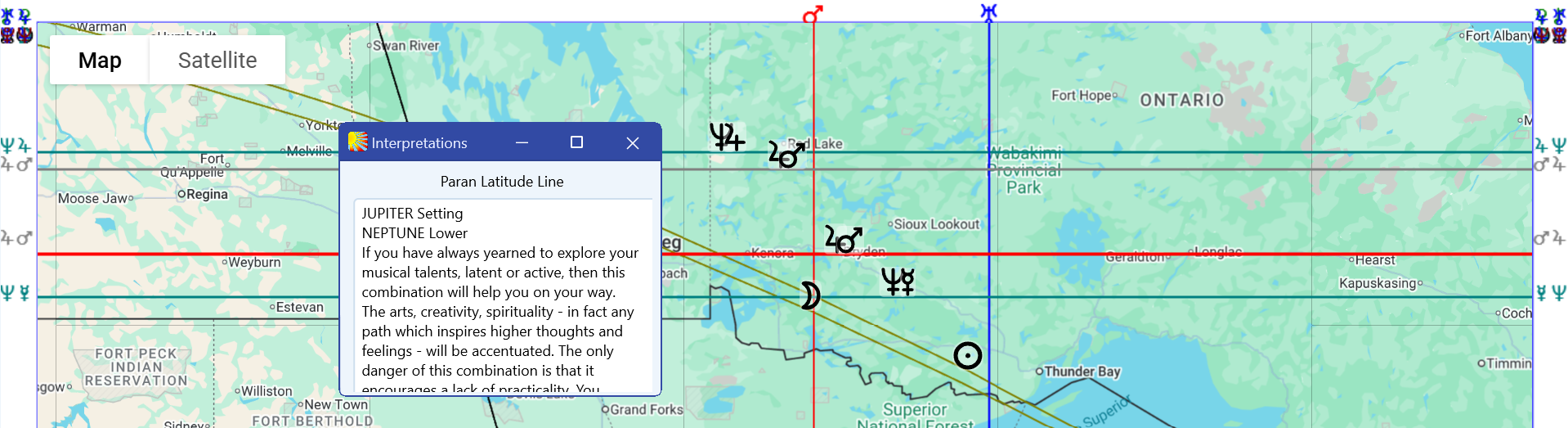
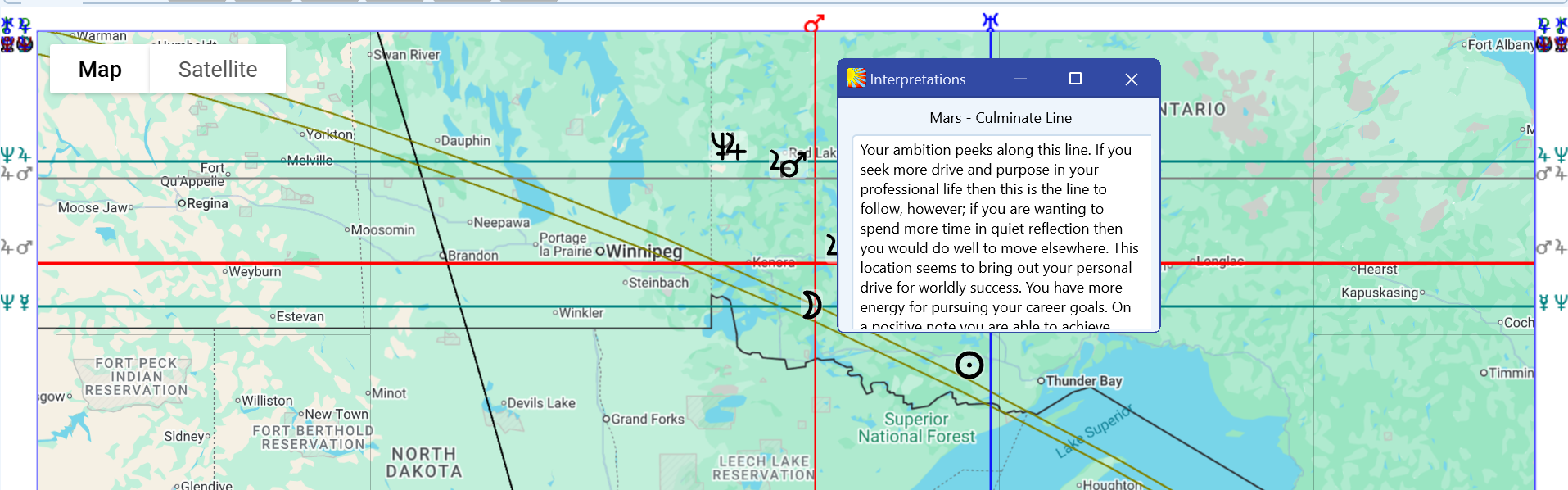
This window contains a title bar and a scrollable text box. The title bar describes the type of symbol that you have clicked on, and the text box contains any subtitles further identifying the line or symbol type, plus the body of interpretation text.
You may resize the interpretations windows or place it anywhere on the screen that you wish.
To hide the interpretations pop-up window:
Click anywhere outside the interpretations window or close the interpretations window.
The interpretations window can be reopened or redisplayed at any time just by double-clicking on any symbol again.
To extract the interpretations text for use in some other program (for example a word processor):
1. Highlight the required text by dragging the mouse over it.
2. Use the “Ctrl“+”C“ keys.
3. Change the focus to your other program.
4. Paste the text into your word processor or other application in the usual manner.
